Turn tracking on
Use the toggle in the Gmail compose window when a message matters.
How it works
Wiztrack stays close to the Gmail flow you already know: turn it on, send your message, and act when the signal is useful.
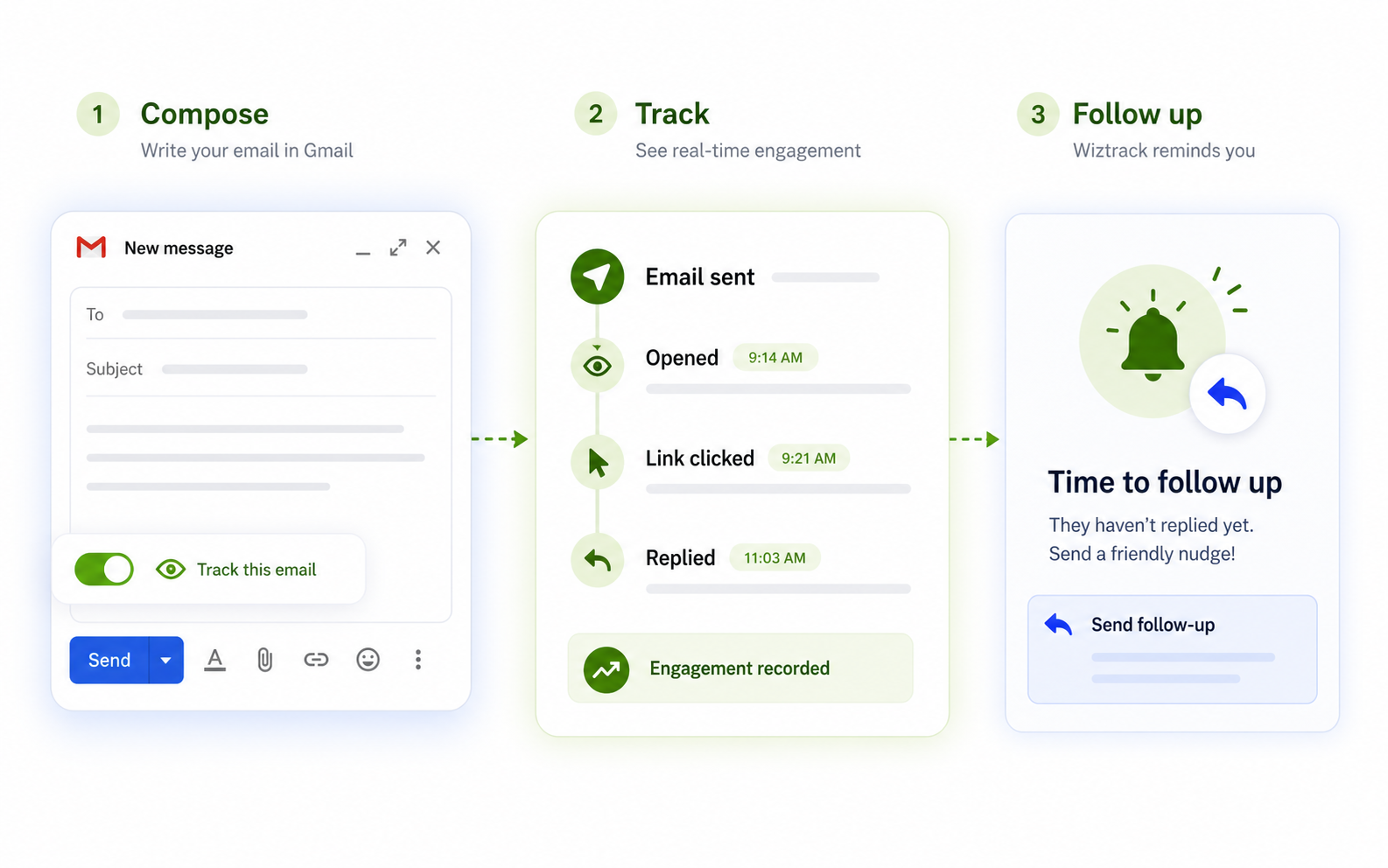
Use the toggle in the Gmail compose window when a message matters.
Write your Gmail message, choose the recipients, and hit Send.
See opens, clicks, replies, or renewed interest—and decide what to say next.
Join our waitlist for early access to Wiztrack Pro.